Key Takeaways
- •Foursquare supplies roughly 70% of the local business data ChatGPT uses for recommendations. If your listing is missing or unclaimed, ChatGPT cannot recommend you.
- •Claiming your Foursquare listing takes about 10 minutes and is completely free at business.foursquare.com. Verification takes 1 to 3 business days.
- •Foursquare data also feeds Apple Maps, Uber, Samsung, Snap, and dozens of other platforms. One listing update reaches multiple AI systems.
- •Updates typically propagate to ChatGPT within 2 to 4 weeks. Many businesses have auto-generated Foursquare listings with outdated info that needs to be claimed and corrected.
Why Your Foursquare Listing Matters More Than You Think
Most business owners have not thought about Foursquare since 2014. That is exactly the problem. While you forgot about Foursquare, it became the backbone of AI search.
Foursquare pivoted from a consumer check-in app to a B2B data company. Its places database now powers location data for ChatGPT, Apple Maps, Uber, Samsung, Snap, and hundreds of other platforms. When someone asks ChatGPT for a local business recommendation, roughly 70% of the data behind that recommendation comes from Foursquare.
That means an unclaimed, incomplete, or inaccurate Foursquare listing is not just a minor oversight. It is the primary reason most local businesses are invisible to AI search. For the full picture of how AI search works and why Foursquare matters so much, read our deep dive on the Foursquare and ChatGPT connection.
Step-by-Step: Claim Your Listing
Step 1: Search for Your Business
Go to business.foursquare.com and click "Claim Your Business." Search for your business name and city. Foursquare auto-generates listings from public data, so there is a decent chance your business already has one, even if you never created it.
If your business appears in the search results, click on it to begin the claim process. If it does not appear, click "Add a new business" to create a listing from scratch.
Step 2: Verify Ownership
Foursquare offers multiple verification methods:
- Phone verification: They call the business phone number on file and provide a PIN. Fastest method (instant).
- Email verification: They send a code to the email associated with the business. Takes a few minutes.
- Postcard verification: They mail a postcard with a PIN to the business address. Takes 1 to 2 weeks. Used when phone and email are not available.
Use phone verification if possible. It is instant and gets you editing access right away.
Step 3: Complete Your Core Information
Once verified, fill in every field. This is the data that feeds ChatGPT. Every empty field is information the AI does not have about your business.
- Business name: Use your exact legal business name. Must match your Google Business Profile, Yelp, and website exactly. Not "ABC Dental" on one and "ABC Dental LLC" on another.
- Address: Full address, same format everywhere. Pick "123 Main Street" or "123 Main St." and use the same one on every platform.
- Phone: Primary business phone. Same number listed on Google, Yelp, and your website.
- Website: Your primary URL. Use the same format (with or without www) everywhere.
- Hours: Full business hours including weekend and holiday hours. If you offer emergency or after-hours service, list those separately.
Step 4: Choose Specific Categories
Categories are how Foursquare (and therefore ChatGPT) matches your business to search queries. Be as specific as possible. Foursquare allows multiple categories.
Bad: "Dentist" only. Good: "Dentist" + "Cosmetic Dentist" + "Pediatric Dentist" (if you offer those services).
Bad: "HVAC Contractor" only. Good: "HVAC Contractor" + "Air Conditioning Repair" + "Heating Contractor" + "Duct Cleaning Service."
Step 5: Write a Detailed Description
The description field is your chance to tell AI exactly what your business does. This is not a marketing pitch. It is a data entry that AI will parse for information.
Bad: "We are a family-friendly dental practice committed to excellence in patient care."
Good: "General and cosmetic dental practice serving [City] since 2008. Services include dental implants, Invisalign, teeth whitening, emergency dental care, pediatric dentistry, and routine cleanings. We accept Delta Dental, Cigna, Aetna, MetLife, and most PPO plans. Same-day emergency appointments available. Open Saturdays 8 AM to 2 PM."
The second version gives AI eleven data points it can use to match queries. The first gives zero.
Step 6: Add Photos
Add at least 10 photos: storefront, interior, team, and work examples. Listings with photos perform better in Foursquare's data ranking and are more likely to be surfaced in AI recommendations. Label each photo if the option is available.
Want us to handle the full optimization?
Foursquare is just one piece of the AI visibility puzzle. We optimize your presence across 40+ data sources. Check out our full service breakdown.
Book a Growth Analysis Call5 Mistakes That Keep You Uncited Even After You Claim
Claiming the listing is the easy part. Most businesses claim it, fill in the obvious fields, and then wonder why ChatGPT still does not mention them a month later. The reason is almost always one of these five. AI engines cite the business whose data is the clearest and most extractable, not the one with the most listings. Fix these and you remove the friction that keeps you out of the answer.
- Leaving the category on the auto-generated default. Foursquare frequently guesses a single broad category when it auto-creates a listing. A dentist gets tagged "Dentist" and nothing else. That single tag cannot match the long, specific queries people actually type into AI ("emergency dentist open Saturday that takes Delta Dental"). Add every specific sub-category you legitimately serve.
- A name that does not match your other listings byte-for-byte. "ABC Dental" on Foursquare and "ABC Dental Care LLC" on Google reads as two different entities to a machine. AI engines lower their confidence when the same business shows conflicting names across sources. Pick one canonical name and use it everywhere.
- An empty or marketing-fluff description. "Committed to excellence in patient care" contains zero extractable facts. AI cannot cite you for a service it cannot find. List services, insurances accepted, hours, and service area in plain language, as shown in Step 5 above.
- Missing or wrong hours. A large share of high-intent local queries are time-bound ("open now," "open late," "weekend"). If your hours field is blank, you are automatically excluded from every one of those answers. Fill in regular, weekend, and holiday hours.
- Claiming once and never checking again. Foursquare allows community edits. A user or a competitor can suggest a change, and a stale "permanently closed" flag or wrong phone number can quietly drop you from recommendations. Check the listing monthly.
The pattern behind all five is the same: AI engines reward the business whose data is clear, consistent, and specific. For where this fits in the larger picture, see how AI search optimization differs from traditional SEO.
Where Your Foursquare Data Actually Goes
Foursquare is not one destination. It is a data supplier. When you correct one listing, that correction flows out to a network of platforms that license the Places database. This is why a 10-minute claim has an outsized payoff: one edit reaches many systems at once.
- ChatGPT. Roughly 70% of its local business data traces back to Foursquare. This is the single biggest reason to keep the listing accurate.
- Apple Maps and Apple Intelligence. Foursquare is a longstanding Apple Maps data partner, which means Siri and iPhone discovery flows lean on it too.
- Ride-share, social, and delivery apps. Uber, Snap, and Samsung have all licensed Foursquare place data at various points, so your hours and address can surface far outside a search box.
It also works the other way. If Foursquare has you wrong, that error propagates just as widely. That is why a wrong phone number on Foursquare is not a minor issue. It is a wrong phone number in several places you never listed.

After Claiming: What to Do Next
Claiming your Foursquare listing is step one. To maximize the impact, do these three things within the next week:
Synchronize your NAP details across every business listing. Your NAP details (name, address, and phone number) need to match exactly on Google Business Profile, Yelp, Apple Business Connect, Bing Places, and your website. Inconsistent NAP across your business listings is one of the oldest local SEO problems, and it hurts AI search for the same reason: any mismatch lowers a machine's confidence that all those entries describe one real business. Pick one canonical format and use it on every listing. For the full directory checklist, see our complete AI search optimization guide.
Add schema markup to your website. Your Foursquare listing tells AI about your business from an external source. Schema markup on your website confirms that data from a first-party source. When both match, AI confidence in recommending you increases significantly.
Monitor for data changes. Foursquare allows community edits, which means someone could suggest a change to your listing. Check back monthly to ensure your data is still accurate. Set a calendar reminder.
When Will You See Results?
Foursquare data typically propagates to downstream platforms within 2 to 4 weeks. That means your updated listing will start feeding into ChatGPT's data within about a month.
Full AI visibility improvements (combined with other optimizations like schema markup and review strategy) usually become measurable within 30 to 60 days. The businesses in our case studies typically see their first ChatGPT recommendations within 4 to 6 weeks of completing the full optimization playbook.
Frequently Asked Questions
Is Foursquare still relevant in 2026?
Extremely. Foursquare supplies roughly 70% of the local business data that ChatGPT uses for recommendations. It also feeds data to Apple Maps, Uber, Samsung, Snap, and dozens of other platforms. Most business owners do not realize Foursquare pivoted from a consumer app to a B2B data company. Its data powers much of the AI search ecosystem.
How long does it take to claim a Foursquare listing?
The initial claim takes about 10 minutes. Verification can take 1 to 3 business days depending on the method (phone, email, or postcard). Once verified, you can fully edit your listing immediately. Updates typically propagate to downstream platforms like ChatGPT within 2 to 4 weeks.
Does claiming Foursquare cost money?
No. Claiming and managing your Foursquare listing is completely free through business.foursquare.com. Foursquare makes money by licensing its data to other companies, not by charging businesses for listings. There is no paid tier required for the optimizations described in this guide.
What if my business already has a Foursquare listing I did not create?
Foursquare auto-generates listings from public data sources and user contributions. Many businesses have unclaimed listings with incomplete or outdated information. Claiming an existing listing lets you correct and complete the data. The claim process is the same whether the listing was auto-generated or user-created.
Will updating Foursquare improve my Google ranking?
Not directly. Google uses its own data for rankings. However, Foursquare data feeds into Apple Maps, Bing, and other aggregators that cross-reference with Google. Consistent data across all these platforms strengthens your overall local SEO signals. The primary benefit is for AI search platforms like ChatGPT that use Foursquare directly.
Ready for the Full AI Visibility Playbook?
Foursquare is step one. We will audit your entire AI presence across 40+ platforms and show you exactly what to fix.
Takes 15 minutes. No sales pitch.
Book a Growth Analysis Call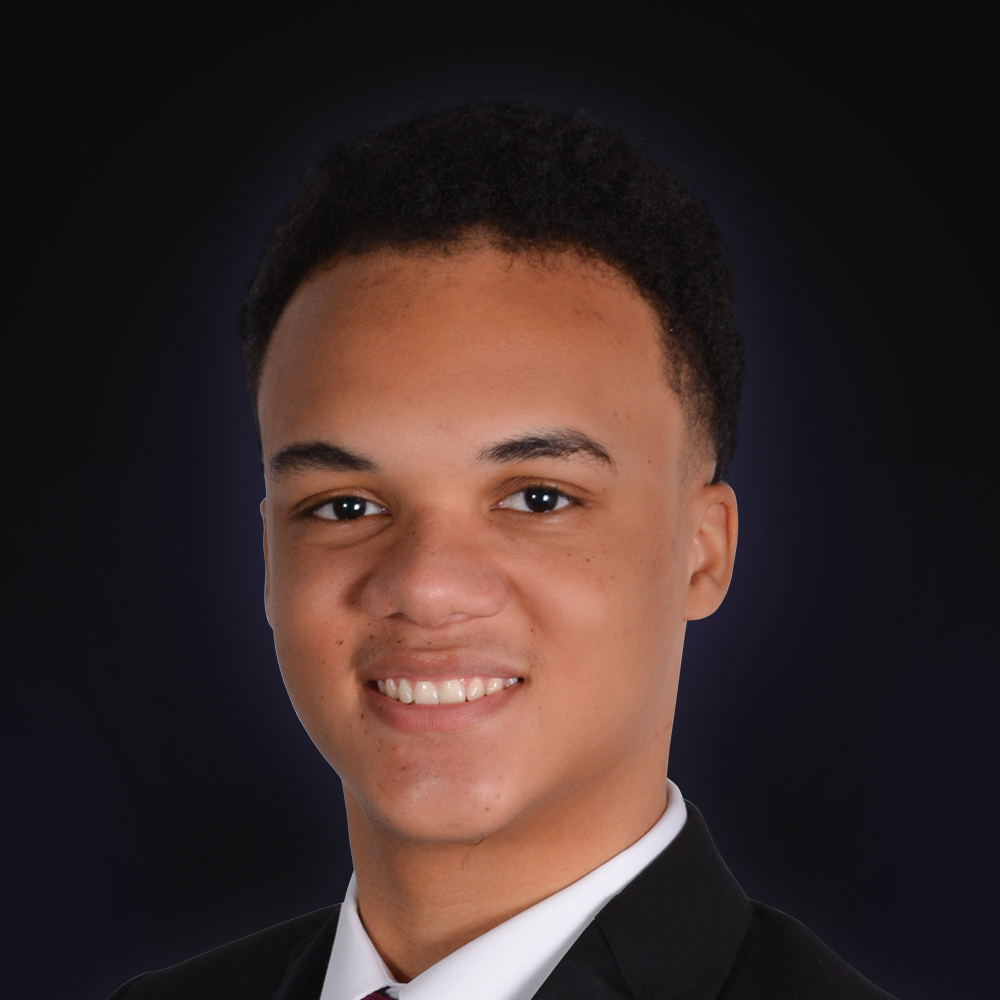
About the author
Matthew Johnson is the founder of Pleiades Consultancy. He previously scaled his own marketing agency to multiple six figures before serving as CMO of an Amazon agency, where the client base tripled from 15 to 45 active clients during his tenure. He worked with some of the largest names in e-commerce, including Ridge Wallet, HexClad, BK Beauty, The Woobles, Walkize, Lonely Planet, and Obvi. He now works with local businesses to maximize their client acquisition and visibility through AI search with ChatGPT, Claude, Gemini, Perplexity, and Bing Copilot.